
Should You Film Video in Portrait or Landscape?
August 21, 2026
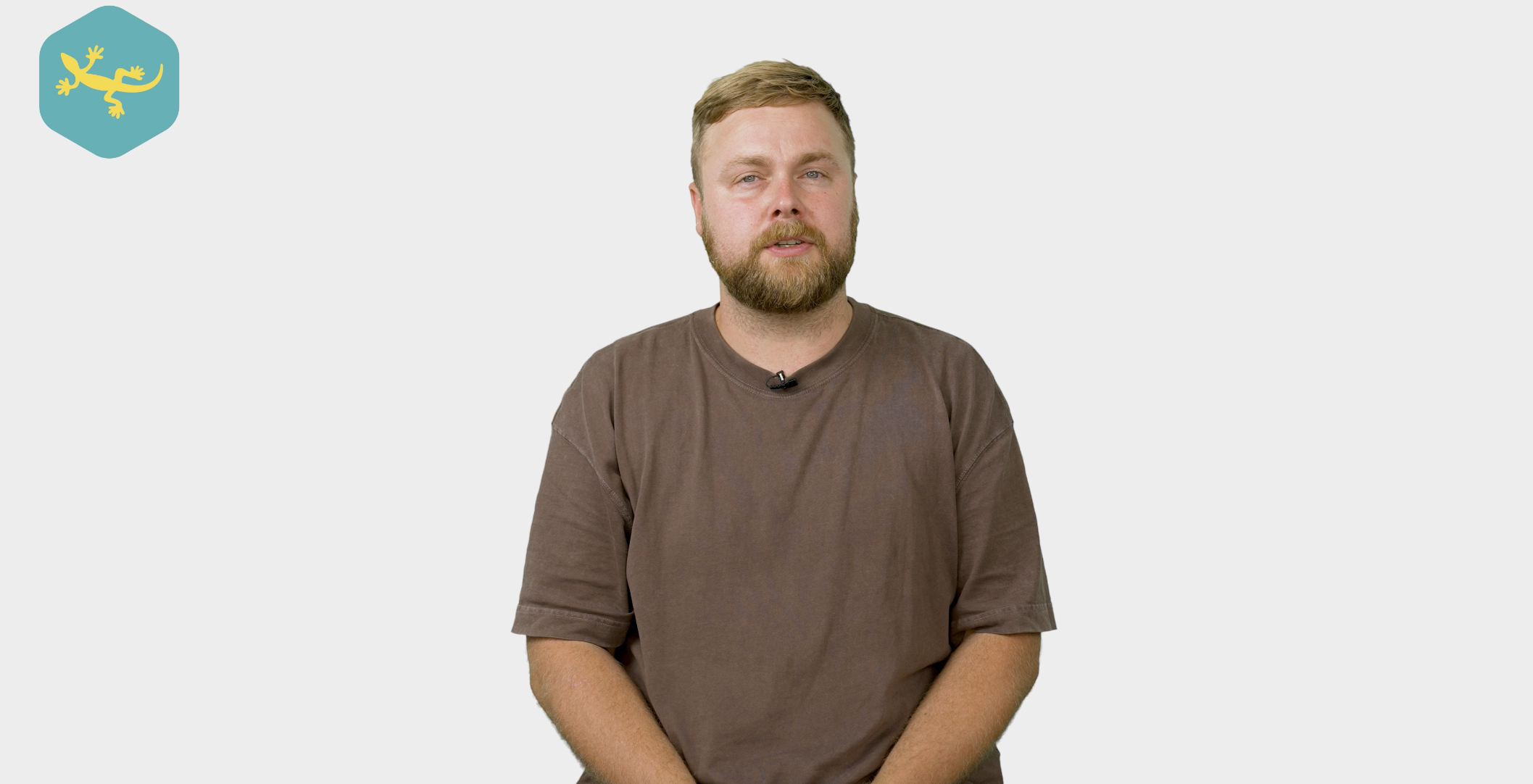
At the top of this blog, you’ve just watched a vlog from Scott, one of the videographers at Yellow Lizard Media, answering a question we hear regularly: should you film your video in portrait or landscape?
The answer is not quite as simple as choosing the one that looks best.
It depends on where your video will be shared, how your audience will watch it and whether you want to use the content across several platforms.
Start with where your video will be watched
Before choosing how to frame your video, think about where the finished content is going to live.
A video created for your website will usually need a different format from one designed for Instagram Reels or TikTok. If you know which platforms you are targeting before filming begins, your videographer can compose each shot with those formats in mind.
This helps you avoid awkward crops, missing graphics and the occasional disappearing arm when the video is resized later.
When should you film in portrait?
Portrait video is designed to fill the screen of a mobile phone.
It is generally the best choice for:
- Instagram Reels
- TikTok
- Facebook Reels
- YouTube Shorts
- Vertical social media adverts
- Instagram and Facebook Stories
Most people watch this content while holding their phone upright, so a portrait video uses the entire screen without asking them to rotate their device.
This makes portrait content ideal for quick tips, short interviews, product demonstrations, behind the scenes clips and videos designed to grab attention while someone is scrolling.
When should you film in landscape?
Landscape video remains the strongest option for content viewed on websites, laptops, televisions and larger screens.
It works particularly well for:
- YouTube videos
- Website content
- Brand and promotional videos
- Case studies and testimonials
- Presentations
- Conference screens
- Training and internal communications
A landscape frame gives you more room to show locations, products, team members and supporting details. It can also create a more cinematic feel, particularly when the setting or action around your subject is an important part of the story.
If your video is going to sit proudly on your website or be shown during a presentation, landscape will usually feel more natural.
Can you film in portrait and landscape at the same time?
Absolutely, and there are a couple of ways to approach it.
The first option is to use two cameras, with one filming in landscape and another filming in portrait. This gives you footage specifically composed for each format and allows both cameras to capture the best possible frame.
It is particularly useful for interviews, podcasts, product demonstrations and talking-to-camera videos where you already know the content will be used across several platforms.
The second option is to film in a high-resolution format such as 4K, keeping the subject close to the centre of the landscape frame. During editing, a portrait version can then be cropped from the original footage.
This can work brilliantly, but it needs to be planned properly. If the subject is positioned too far to one side, or important details sit around the edges of the frame, they may disappear when the footage is converted into portrait.
Frame every shot with both formats in mind
Creating portrait and landscape versions is about more than simply pressing the crop button.
Your video production company should consider where the subject is standing, what is happening in the background and where text or graphics will appear. There also needs to be enough space around the subject to create a portrait crop without making the finished shot feel uncomfortably tight.
Captions are another important consideration. Text that looks perfectly positioned in a landscape video may cover someone’s face or fall outside the visible area in portrait.
Planning these details during filming makes it much easier to create professional versions for every platform during the edit.
Choose the right approach for your content
Not every shoot needs two cameras, and not every video needs to be delivered in both formats.
If you are filming a detailed company video primarily for your website, landscape might be all you need. If the content is being created specifically for TikTok or Instagram, filming directly in portrait could be the better option.
However, if the shoot is part of a wider video marketing campaign, capturing both formats can give you far more flexibility.
One landscape video could sit on your website or YouTube channel, while several portrait clips are shared across Instagram, Facebook, TikTok and YouTube Shorts. The message remains consistent, but the presentation is adapted to suit how people use each platform.
Get more value from every video shoot
Filming with multiple platforms in mind can help one shoot produce a much wider collection of content.
Alongside your main video, you could create:
- Short portrait clips for social media
- Landscape videos for your website
- Quick tips and frequently asked questions
- Video adverts in different formats
- Behind the scenes content
- Short previews directing viewers to the full video
This gives your business a useful bank of professional footage without needing to organise a separate shoot for every channel.
It also makes your video marketing more consistent, as every version is captured with the same lighting, location, presenter and overall visual style.
Final thoughts
So, should you film in portrait or landscape?
Portrait is ideal for mobile-first platforms and short social media content, while landscape is usually better for websites, YouTube, presentations and larger screens. If you want your content to work across both, you can use two cameras or carefully frame high-resolution footage so it can be cropped during editing.
The key is deciding where the content will be used before you press record. A little planning at the beginning can prevent problems later and help you get much more from your shoot.
At Yellow Lizard Media, we help businesses plan, film and edit content for websites, social media and wider video marketing campaigns. Whether you need portrait videos, landscape videos or a mixture of both, we will make sure everything is framed correctly from the start. If you would like to discuss your next project, get in touch to book a chat.